Best Sleep Tracking App for iPhone in 2026: Top Picks Reviewed
Your iPhone can do a lot more than track steps. With the right sleep app, it becomes a powerful tool for understanding your sleep. This guide covers the best sleep tracking apps for iPhone in 2026.
Key Insight: The best sleep tracking app is one you actually use. Consistent tracking over 2 to 4 weeks gives you the data to spot real patterns.
Why iPhone Is Great for Sleep Tracking
iPhone works with Apple Health to store your sleep data. When paired with Apple Watch, it can track your sleep stages including REM, core, and deep sleep. The combination of iPhone and Apple Watch gives you one of the most accurate consumer sleep tracking setups available.
iPhone Tip
For the best results, keep your iPhone charged overnight on your nightstand. This lets the app sync your Apple Watch data as soon as you wake up.
Top Sleep Tracking Apps for iPhone
Several apps work well with iPhone. Here is how the top options compare.
Reverie
RecommendedCombines Apple Watch sleep data with daily habit tracking. Shows you how caffeine, exercise, and meals affect your sleep. Free in beta.
AutoSleep
Tracks sleep automatically with no manual input. Gives a sleep score each morning. Good for people who want simple, hands-off tracking.
Sleep Cycle
Uses sound analysis and motion to detect sleep stages. Wakes you up at the lightest part of your sleep cycle. Subscription required.
Pillow
Detailed sleep stage breakdown with audio recording. Good for people who want to understand their sleep stages in depth. Free tier available.
Why Reverie Is Our Top Pick
Most sleep apps just show you what happened last night. Reverie goes further. It tracks the daily habits that shape your sleep and shows you the connections over time.
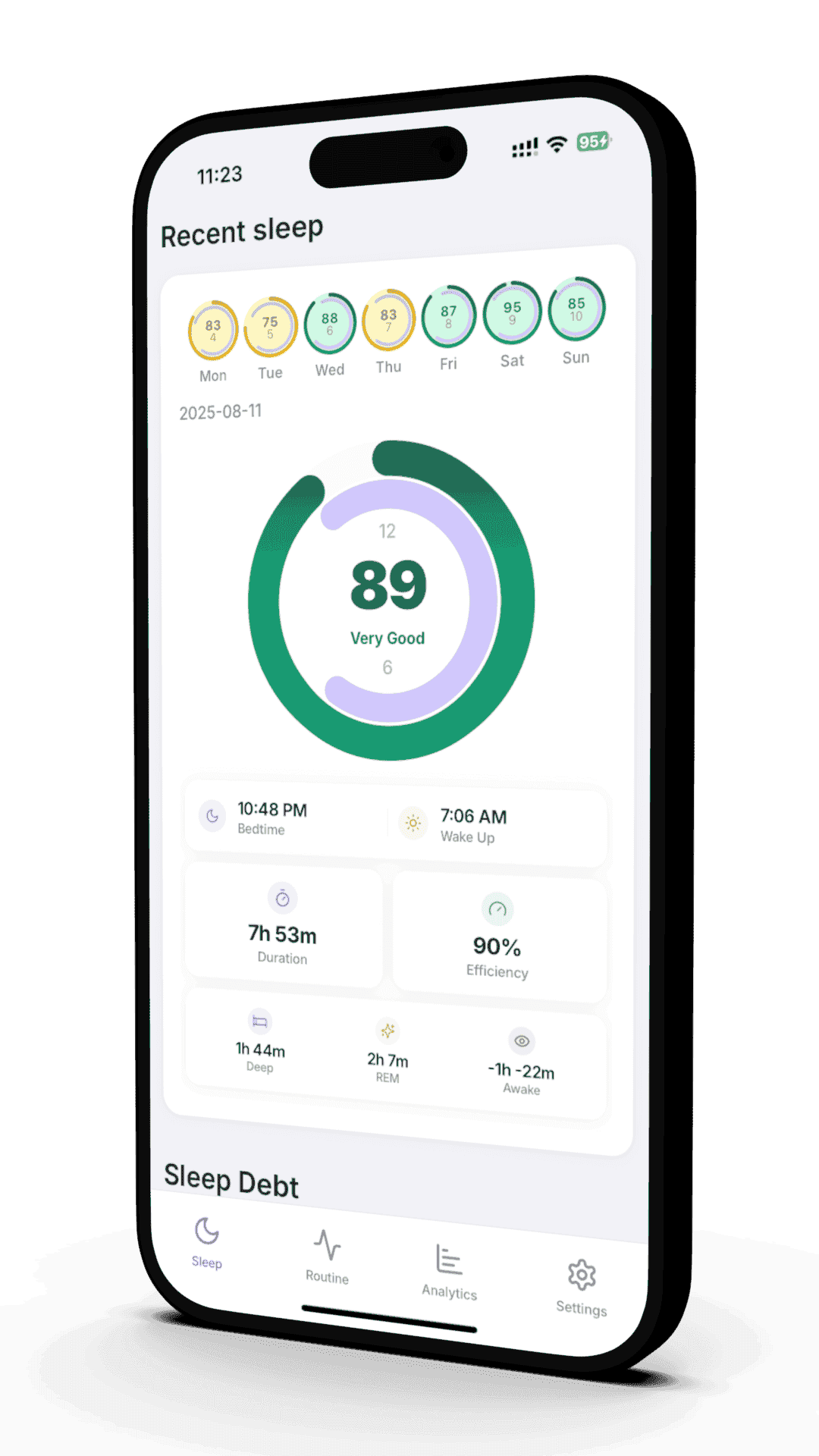
Reverie is built for iPhone and Apple Watch together. It reads your sleep data from Apple Health and adds habit tracking on top.
What Reverie Tracks

How to Set Up Sleep Tracking on iPhone
Charge your iPhone to at least 30% before bed.
Open the Health app on your iPhone and set up a sleep schedule.
Download Reverie from the App Store and connect it to Apple Health.
Wear your watch snugly but comfortably to bed.
Check your sleep data each morning and log any habits you want to track.
Tips for Better Sleep Tracking
Wear it consistently
Track every night for at least 2 weeks before drawing conclusions.
Same side, same wrist
Wear your watch on the same wrist each night for consistent sensor readings.
Log your habits
The more context you give an app like Reverie, the better its insights.
Check trends, not individual nights
One bad night does not mean much. Weekly patterns tell the real story.
References
- Roomkham S, et al. "Limitations and Opportunities in the Use of Consumer Sleep Trackers." IEEE Rev Biomed Eng. 2018;11:53-67. PubMed
- Hirshkowitz M, et al. "National Sleep Foundation's sleep time duration recommendations." Sleep Health. 2015;1(1):40-43. PubMed
- de Zambotti M, et al. "Wearable Sleep Technology in Clinical and Research Settings." Med Sci Sports Exerc. 2019;51(7):1538-1557. PubMed
- Apple Inc. "Use Apple Watch to track your sleep." Apple Support. Apple Support
Related Articles
Apple Watch Sleep Tracking: Complete Guide
Everything you need to know about Apple Watch sleep tracking, from setup to accuracy tips.
The Hidden Cost of Sleep Debt
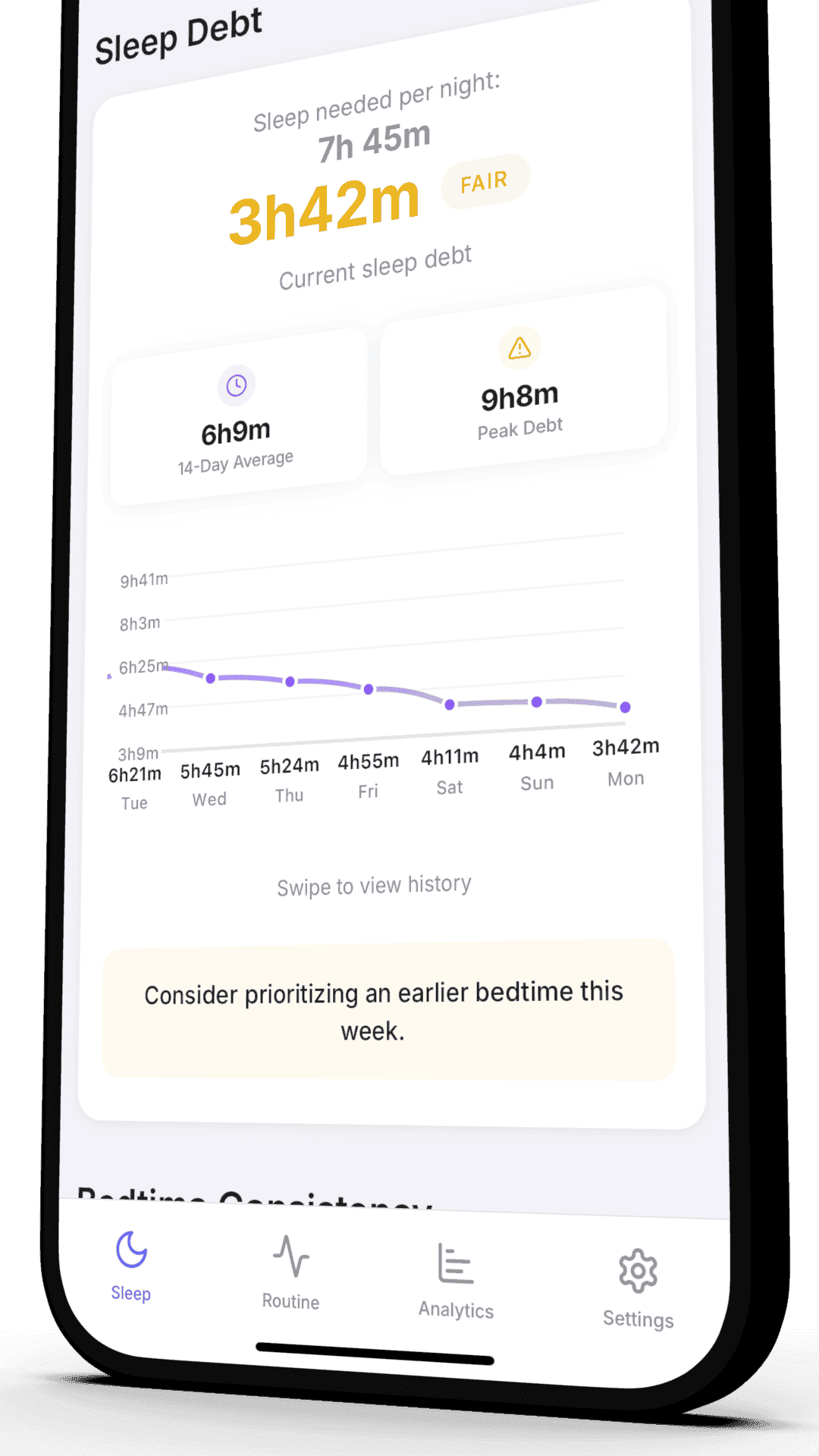
Sleep debt is not just about feeling tired. It affects your health, mood, and performance.
Ready to Track Your Sleep on iPhone?
Join our beta program and start understanding your sleep tonight. Reverie combines your Apple Watch data with habit tracking for deeper insights.
Free beta access Shape the product First to get updates Requires Apple Watch
Join 50 beta testers already improving their sleep
Written by the Reverie Team
Based on sleep research and scientific studies