Apple Watch Sleep Apnea Detection: How It Works
In September 2024, the FDA cleared a feature on the Apple Watch that flags possible signs of sleep apnea. It's the first time a wearable on this many wrists has had a formal apnea screening tool baked in. Here's what it actually does, what it doesn't, and what to do if your watch sends you the alert.
Key Insight: The Apple Watch sleep apnea feature is a screening tool, not a diagnostic test. It looks at 30 nights of breathing-disturbance data and only sends an alert if your pattern looks consistent with moderate or severe apnea.
Why Sleep Apnea Matters (and Why Most People Miss It)
Sleep apnea is a breathing disorder where your airway repeatedly collapses or narrows during the night. Each pause can last 10 seconds or longer. You stop breathing, your blood oxygen drops, and your brain briefly wakes you up to restart the airway. You usually don't remember any of it.
The American Academy of Sleep Medicine and recent population research estimate that more than 30 million American adults have obstructive sleep apnea. Most of them don't know it. Around 80 percent of cases are undiagnosed because the main symptom — being tired during the day — is so easy to blame on something else.
Untreated apnea raises your risk for high blood pressure, stroke, type 2 diabetes, atrial fibrillation, and depression. A screening tool that nudges undiagnosed people toward a real sleep study can change a lot of lives. That's the bet behind Apple's feature.
Common Signs of Sleep Apnea
What the Apple Watch Feature Actually Does
Apple's tool is built around a new metric called Breathing Disturbances. Your watch uses its accelerometer to detect tiny wrist movements that happen when you struggle to breathe during sleep. When your airway narrows, your chest works harder, your body shifts, and your wrist moves in a pattern the watch can recognize.
Every night, the watch labels your breathing as "elevated" or not elevated. Then, once a month, it analyzes your 30-night pattern. If the disturbances look consistent with moderate or severe apnea, you get a notification. You can also see your trend in the Health app at any time, even before any alert fires.
A few things the feature doesn't do, even though many people assume it does. It does not score event-by-event apneas the way a clinical sleep study does. It does not calculate your AHI (apnea-hypopnea index). It does not measure SpO2 desaturation events. And it does not diagnose anything — Apple is very explicit that this is a screening tool only.
Where Breathing Disturbances Show Up
Which Devices Support It
Sleep apnea notifications are limited to three watches. You need an Apple Watch Series 9, Series 10, or Ultra 2. You also need watchOS 11 or later, paired with an iPhone running iOS 18 or later. Older Apple Watches can still track sleep, but they don't have the algorithm or the validation behind it. Apple submitted the feature to the FDA only for those three models.
You also have to wear the watch to bed for at least 10 nights in a 30-day window before you'll see your first monthly classification. The watch needs that much data to be confident in the pattern. If you're new to wearing your Apple Watch overnight, our guide to Apple Watch sleep tracking walks through the setup.
How Accurate Is It?
Apple's FDA submission for the feature included one of the largest validation studies ever run for an apnea screening device. The trial enrolled 1,448 adults whose apnea-hypopnea index ranged from below 5 (normal) to over 30 (severe). The watch's classification was compared against polysomnography, the gold standard.
In the cleared submission, the algorithm correctly flagged a meaningful share of people with moderate-to-severe apnea while keeping false positives in a range the FDA considered acceptable for a screening tool. Apple does not promise to catch every case. The feature is tuned to surface a strong-enough signal that following up with a doctor is worth your time.
The big caveats. Mild apnea (AHI 5 to 15) is much harder to catch from wrist motion alone. Position-dependent apnea — say, only when you sleep on your back — can also slip through if your sleep position varies. And anyone already diagnosed with apnea is excluded from the feature; it's only for adults 18 and older with no prior diagnosis.
How It Compares to Other Wearables
Withings, Garmin, Samsung, and Fitbit all have some form of breathing or oxygen tracking, but the FDA clearance is what sets Apple's feature apart in the U.S. market. Withings was first to FDA clearance with its ScanWatch and the Sleep mat for similar screening, and Samsung followed with a separate app on the Galaxy Watch. As of 2026, Garmin's apnea-related metrics are still considered wellness features, not regulated screening.
What to Do If You Get an Alert
A notification doesn't mean you have sleep apnea. It means your wrist-based pattern looks similar to people who do. The next step is a real test, and you have two main options.
Steps After a Possible-Apnea Alert
- 1. Save the PDF report.The Health app can export your Breathing Disturbances data. Bring this to your appointment.
- 2. Talk to your primary care doctor.They'll review your symptoms, weight, blood pressure, and other risk factors before ordering a test.
- 3. Get a home sleep apnea test (HSAT).For most adults, the first test is at-home. It measures airflow, oxygen, and breathing effort over one or two nights.
- 4. Or do an in-lab polysomnography.If symptoms are complex, your doctor may send you for an overnight sleep study at a clinic.
- 5. If diagnosed, explore treatment.CPAP is the standard. Mandibular devices, positional therapy, weight loss, and surgery are options for some people.
Loud, chronic snoring is one of the strongest predictors of obstructive apnea. If your watch flags you and your partner has been complaining about your snoring, take it seriously. Our guide to snoring causes and fixes covers when snoring is benign and when it's the symptom of something bigger.
What If You Don't Get an Alert?
A normal classification is reassuring, but it isn't a clean bill of health. The Apple Watch is tuned to catch moderate-to-severe apnea. Mild cases, central sleep apnea (where the brain forgets to send the breathe signal), and apnea that only happens in REM may not register.
If you have classic symptoms — partner-witnessed gasping, daytime sleepiness, morning headaches, refractory high blood pressure — you should still talk to a doctor regardless of what your watch says. The same goes if your sleep score is consistently low or your immune system is taking a hit from poor sleep. Your watch is one data point among many.
How Reverie Uses This Data
Apple Health stores your Breathing Disturbances metric, but the chart sits inside the Respiratory section, separated from your sleep stages. It's hard to see whether your bad breathing nights are also your fragmented-sleep nights.
How Reverie Reads Your Breathing Trend
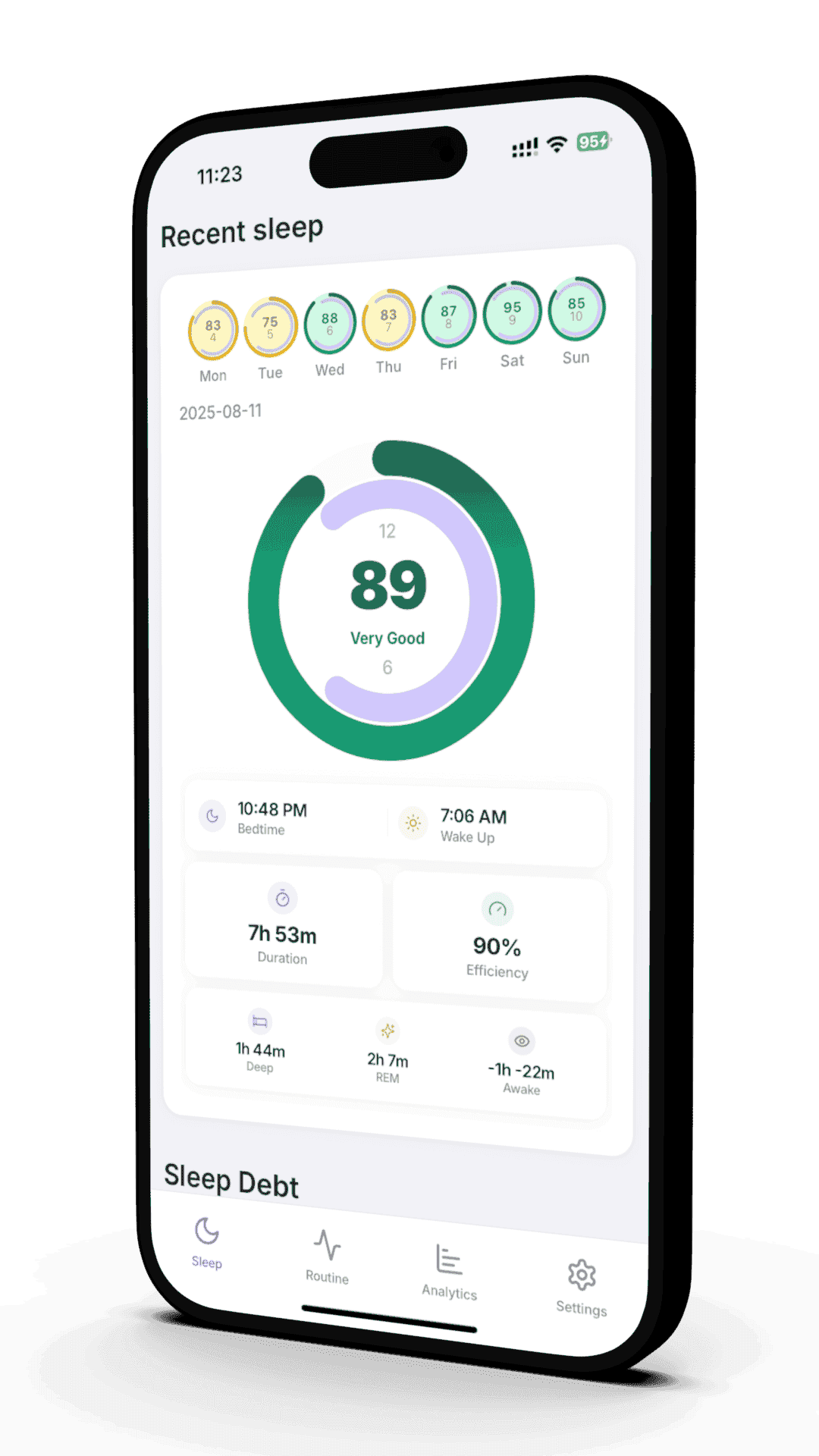
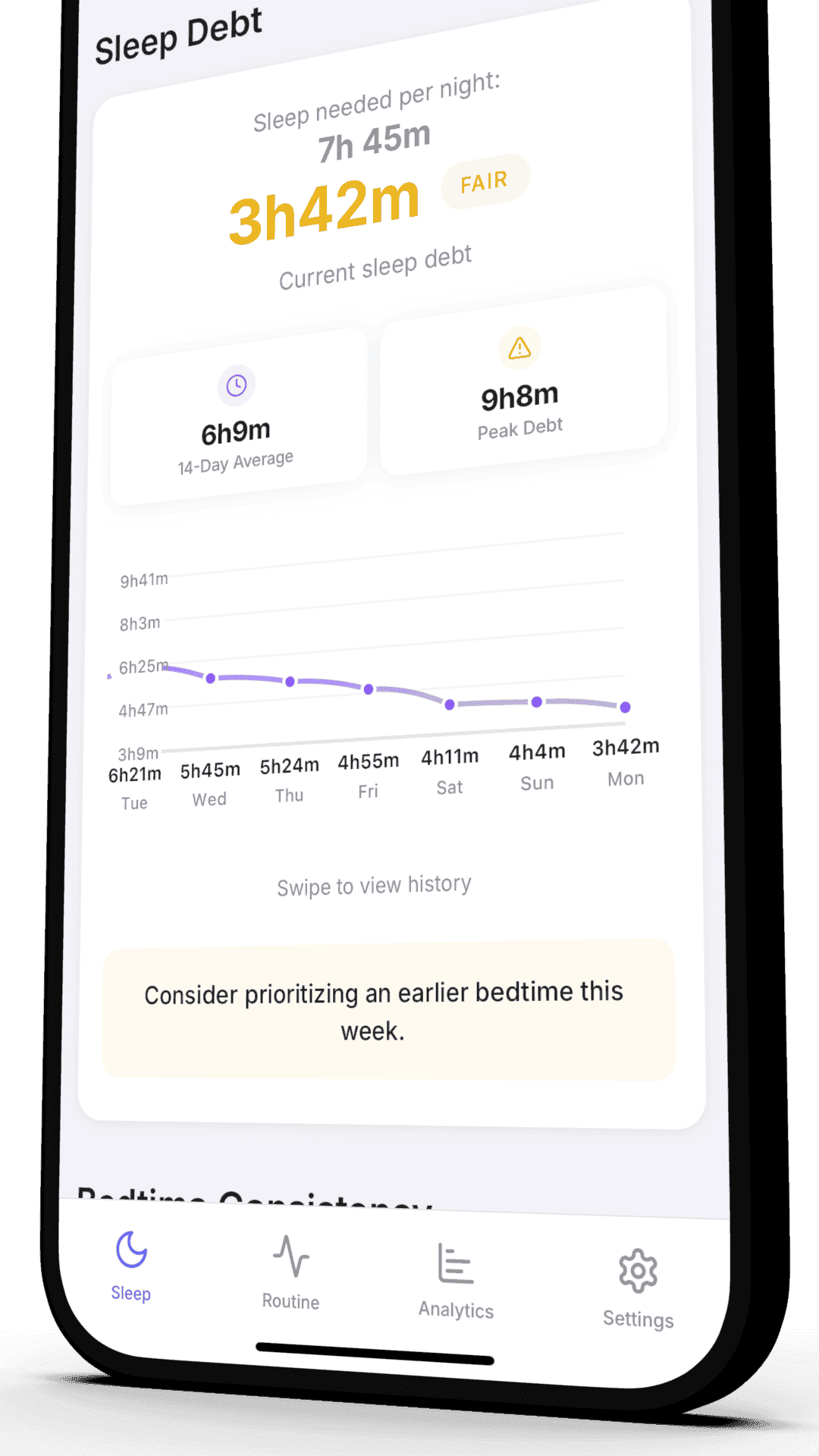
Reverie pulls your Breathing Disturbances data from Apple Health and lays it next to your deep sleep, REM, sleep stages, and habit log. You can spot whether elevated nights line up with alcohol, late meals, weight changes, or specific sleep positions.
- • See breathing-disturbance trend alongside your sleep architecture
- • Cross-reference with alcohol, weight, and bedtime data
- • Spot whether bad-breathing nights match low sleep scores
- • Track changes after a CPAP titration or weight change
References
- U.S. Food and Drug Administration. "510(k) Premarket Notification K240929 — Sleep Apnea Notification Feature." 2024. FDA
- Apple. "Apple introduces groundbreaking health features." Apple Newsroom. September 9, 2024. Source
- Peppard PE, Young T, Barnet JH, et al. "Increased prevalence of sleep-disordered breathing in adults." American Journal of Epidemiology. 2013;177(9):1006-1014. PubMed
- American Academy of Sleep Medicine. "Rising prevalence of sleep apnea in U.S. threatens public health." 2016. AASM
- Benjafield AV, et al. "Estimation of the global prevalence and burden of obstructive sleep apnoea: a literature-based analysis." Lancet Respiratory Medicine. 2019;7(8):687-698. PubMed
- Pulmonology Advisor. "FDA Clears Apple's Sleep Apnea Notification Feature." September 2024. Source
Related Articles
Apple Watch Sleep Tracking Guide
Setup, accuracy, and tips for getting the most out of overnight Apple Watch tracking.
Snoring Causes and Fixes
Why people snore, when it's harmless, and when it's a sign of something bigger.
See Your Breathing Trend in Context
Reverie reads your Apple Watch breathing-disturbance data and lines it up with your sleep stages, habits, and weekly patterns — so a flagged night actually tells you something useful.
Free beta access. Shape the product. First to get updates. Requires Apple Watch.
Written by the Reverie Team
Based on FDA submissions and peer-reviewed sleep research