Sleep Tracking App vs Apple Health: Which One Should You Use?
Apple Health is built into every iPhone and it tracks your sleep automatically. But knowing how long you slept is only the first step. A dedicated sleep app shows you why your sleep is good or bad, and what to do about it.
Key Insight: Apple Health stores your sleep data. A dedicated sleep app like Reverie helps you understand it and act on it.
What Apple Health Tracks
Apple Health records your sleep duration and your sleep schedule consistency. On newer Apple Watch models (Series 4 and later with watchOS 9), it also tracks sleep stages. These include REM sleep (when you dream), core sleep (light sleep), and deep sleep.
All of this data is stored privately in the Health app on your iPhone. It never leaves your device unless you share it. Apple Health is a great foundation for sleep tracking.
But Apple Health does not tell you what is causing your sleep to be good or bad. It records the numbers. It does not explain them.
What Apple Health Records
What Apple Health Does Not Do
Apple Health is a data storage system, not a sleep coach. It collects your sleep data but leaves you to figure out what it means. Here is what it cannot do.
No habit tracking
Apple Health does not log caffeine intake, exercise, meal timing, or stress levels. These habits have a big impact on sleep quality, but Apple Health ignores them.
No correlation analysis
Even if you tracked your own habits separately, Apple Health cannot connect the dots. It cannot show you that coffee at 3 PM caused you to get less deep sleep. It just stores data in separate buckets.
No sleep score
Apple Health does not summarize your sleep quality into a single score. You have to look at multiple data points separately and draw your own conclusions.
No personalized recommendations
Apple Health does not suggest what you should change. It records the past but does not guide your future.
No trend explanations
If your deep sleep drops for a week, Apple Health shows you the number. It does not explain why or what to do about it.
What a Dedicated Sleep App Adds
Apps like Reverie, AutoSleep, and Sleep Cycle build on top of Apple Health data. They take the raw numbers and give them meaning. They show you trends, scores, and insights that Apple Health cannot provide.
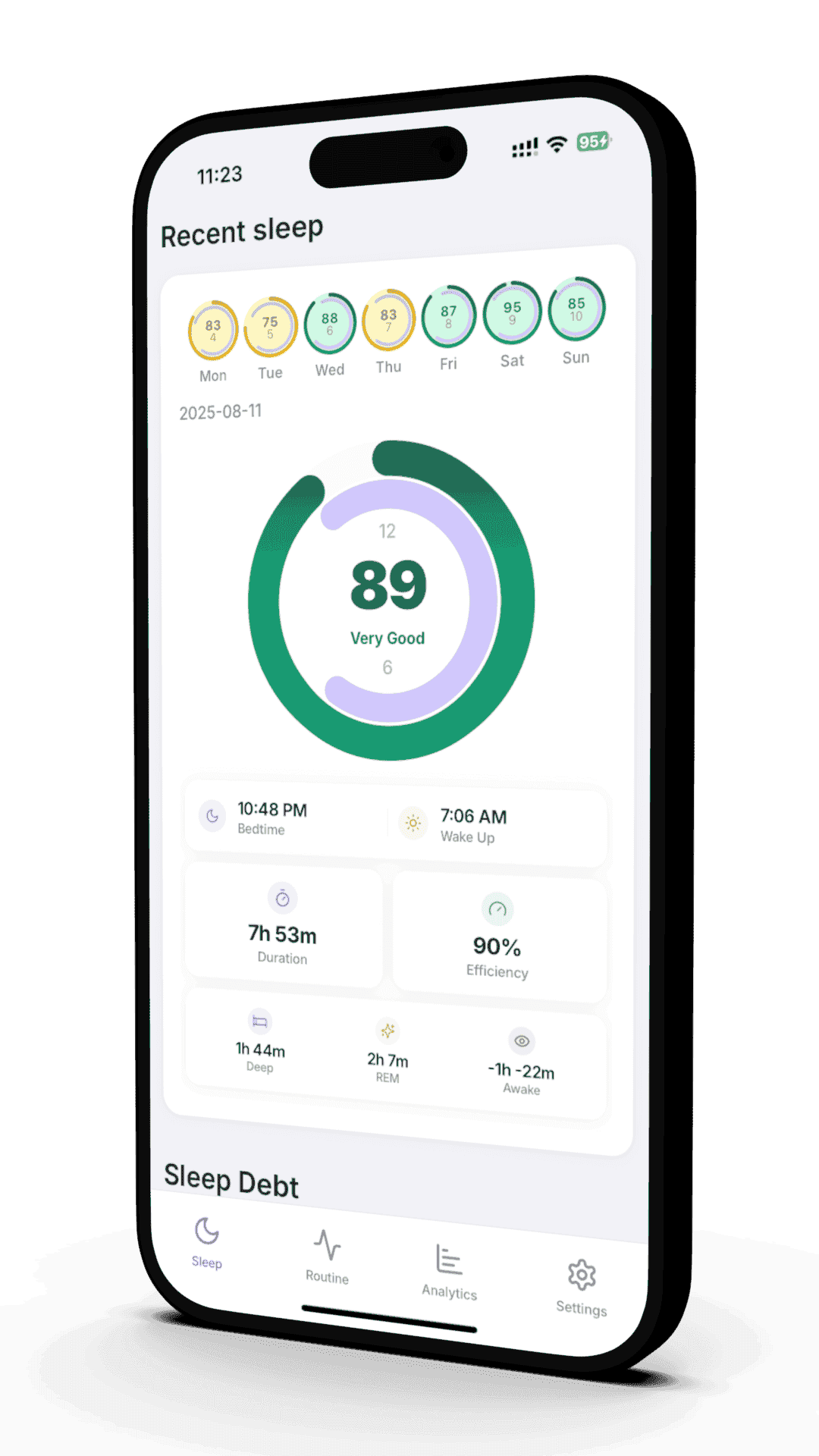
Reverie specifically connects your sleep quality to your daily habits. It shows you things like: your sleep was 20% worse on nights when you had caffeine after 3 PM. This kind of insight is what turns raw data into real behavior change.
What Reverie Adds on Top of Apple Health
- • A daily sleep score from 0 to 100
- • Habit tracking for caffeine, exercise, and meal timing
- • Automatic correlation between your habits and sleep quality
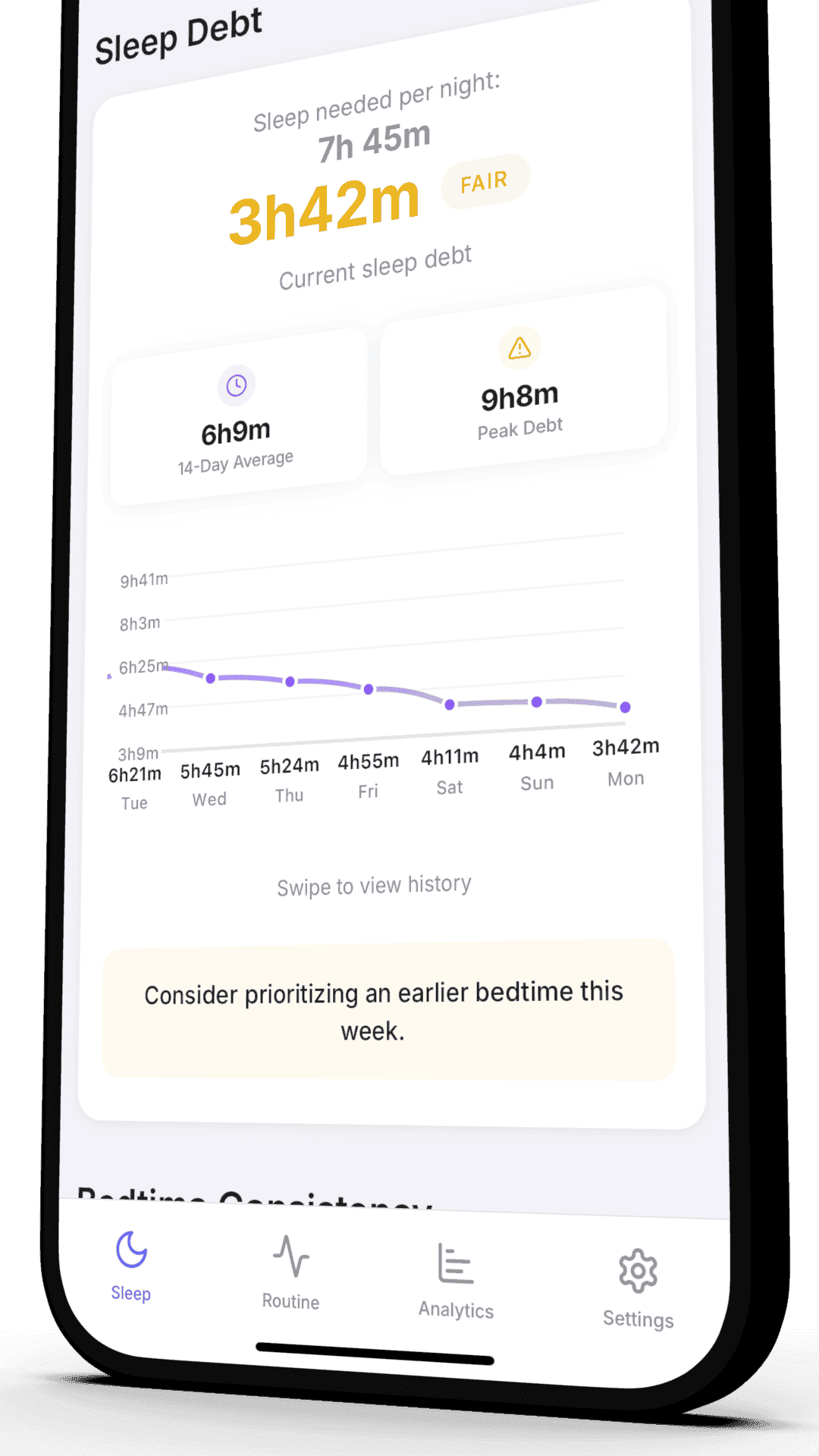
- • Trend charts showing how your sleep changes over time
- • Personalized insights based on your own data
- • Weekly summaries of what helped and hurt your sleep
Feature Comparison: Apple Health vs Reverie
Here is a direct comparison of what each option gives you.
When Apple Health Is Enough
Apple Health works well for basic sleep monitoring. It is built in and requires no setup. If you just want to confirm that you are sleeping 7 to 8 hours per night, Apple Health gives you that at a glance.
If you are not ready to change any habits yet, a more detailed app will not help you. More data does not help if you are not going to act on it.
Apple Health is a good fit if you:
- • Just want to check your total sleep time
- • Are new to sleep tracking and want a simple starting point
- • Do not want to install any extra apps
- • Are satisfied with your sleep quality and just want to monitor it
When You Need a Dedicated App
A dedicated sleep app becomes valuable when you want to understand your sleep, not just measure it. If you are dealing with a specific sleep problem, you need more than a number.
You want to know WHY your sleep is good or bad
Apple Health tells you what happened. A dedicated app tells you why and what changed.
You have a specific sleep problem
Trouble falling asleep, waking up at night, or feeling tired despite sleeping enough. These problems need more context than duration alone.
You want to track how lifestyle choices affect your sleep
Caffeine, alcohol, exercise, meal timing, and stress all affect sleep. A dedicated app connects these variables to your results.
You are serious about improving your health and performance
Better sleep affects your energy, focus, mood, and long-term health. If sleep is a priority, use the right tool for the job.
How to Use Both Together
You do not have to choose between Apple Health and a dedicated sleep app. They work together. Apple Health stores the raw data. A dedicated app reads that data and adds analysis on top.
Reverie reads directly from Apple Health and Apple Watch. Your data stays in Apple Health. Reverie just adds the insights layer. Setting it up takes less than 5 minutes.
How the Integration Works
Your Apple Watch records sleep data overnight
Motion, heart rate, and sleep stages all get captured automatically.
Apple Health stores everything privately on your iPhone
The data is yours and stays on your device.
Reverie reads your Apple Health data and adds context
You get a sleep score, habit correlations, and personalized insights on top of your raw data.
References
- Roomkham S, et al. "Limitations and Opportunities in the Use of Consumer Sleep Trackers." IEEE Rev Biomed Eng. 2018;11:53-67. Source
- de Zambotti M, et al. "Wearable Sleep Technology in Clinical and Research Settings." Med Sci Sports Exerc. 2019;51(7):1538-1557. Source
- Steptoe A, et al. "Sleep duration and health in young adults." Arch Intern Med. 2006;166(16):1689-1692. Source
- Apple Inc. "Apple Watch sleep tracking." Apple Support. Source
- National Sleep Foundation. "Sleep tracking technology." sleepfoundation.org. Source
Related Articles
Complete Guide to Apple Watch Sleep Tracking
Setup, accuracy tips, and how to get the most from your Apple Watch for sleep tracking.
The Hidden Cost of Sleep Debt
Learn how sleep debt builds up and what it does to your brain and body.
Ready to Optimize Your Sleep?
Join our beta program and discover what is affecting your sleep quality. Get personalized insights and build better sleep habits with Reverie.
Free beta access. Shape the product. First to get updates. Requires Apple Watch.
Join 50 beta testers already improving their sleep
Written by the Reverie Team
Based on sleep research and scientific studies